Try the Georgia 9% LIHTC Atlas
An Insika Atlas maps one state's LIHTC program from site selection to the end of compliance: every Milestone, Task and Action in the order the work happens, the proof each Task needs and the dates that drive it. In this edition, 2,182 of its 2,763 items name the DCA document they rest on.
What is open in this demo
Milestone 7, Project Qualification & Application Commitments, is open all the way down: 10 Tasks, 79 Actions and 88 Documents, with the 2026 and 2027 round dates. The other Milestones keep their names and lengths, so you see the whole deal on its timeline.
Open the demo
Tell us who you are and the demo opens in this window.
Open the demo
This browser remembers your sign-up, so the demo opens straight away.
Open the demoSix views of the same deal
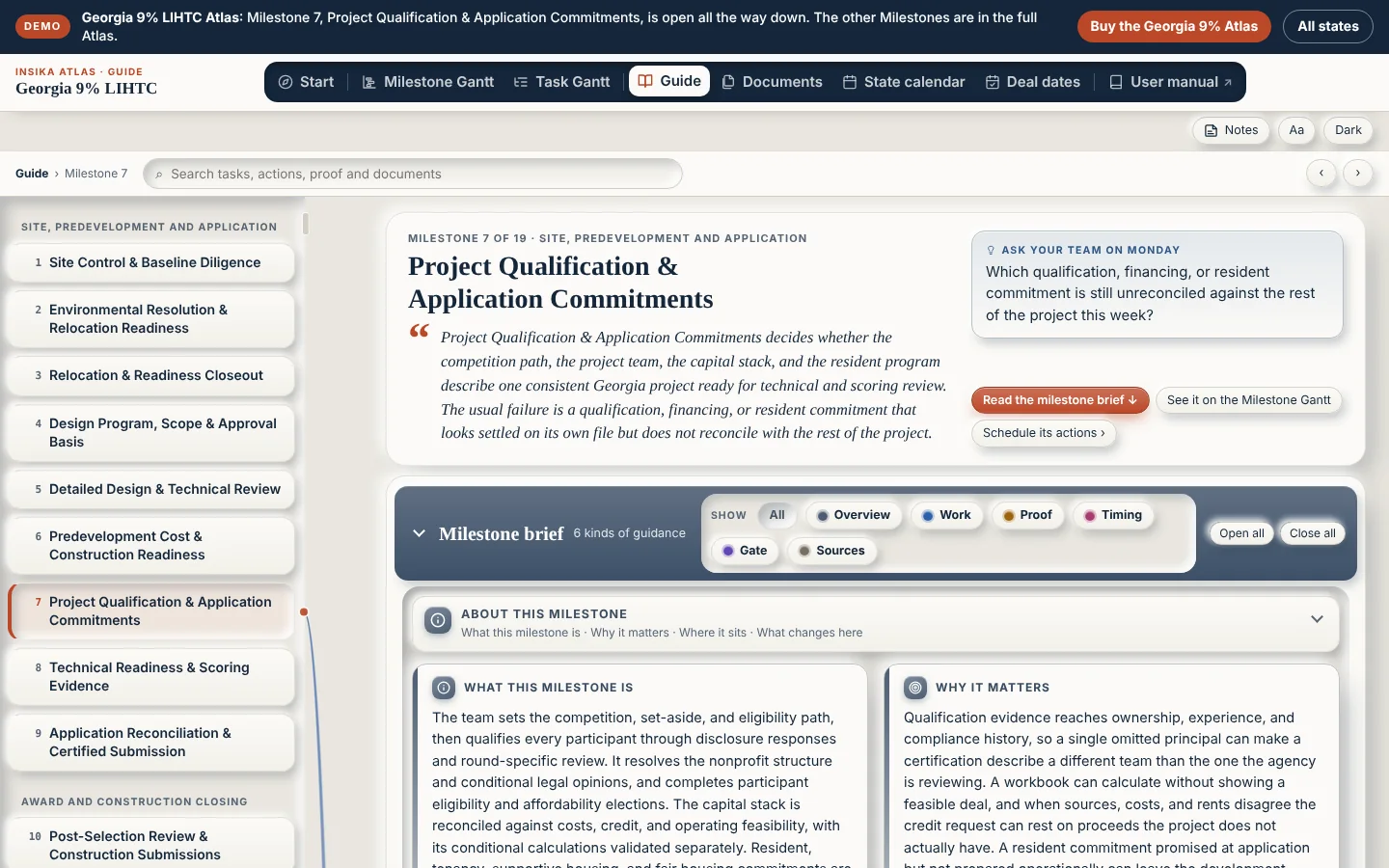
The demo opens on Start, a summary of the edition with tips. The six views are in the menu at the top; a good path is the Milestone Gantt, then the Guide.
- Milestone GanttThe whole deal on one timeline. Set your start date at the top and every date moves with it.
- Task GanttMilestone 7, Task by Task and Action by Action, with owners, status and the Action items sheet.
- GuideThe reference, with no dates. Click any name to open its panel; press / to search the whole Atlas.
- DocumentsEvery Document, under the Task that produces it or A to Z, with what it proves and how to get it right.
- State calendarThe agency's dates for the round, the same for every applicant.
- Deal datesYour deal's events and the deadlines they set in motion.
Open anything
Click any name to open its panel. Back returns you to where you were.
Set your dates
The Gantts start on a sample date until you set yours at the top of the Milestone Gantt.
Your work stays here
Your dates, notes and place stay in this browser, so you can come back to them.
The User manual
User manual, at the right of the menu, shows everything the Atlas can do, view by view.
In the demo the document links are off; in the full Atlas each one opens the agency's own copy. The demo works on a phone, but a laptop or desktop shows the Gantts best.